
The bill of quantities comes in.The priced quote comes out.
KraftHub imports your GAEB or PDF bill of quantities, matches prices from your data and supplier quotes, and prepares your quote for review.
No sign-up. A sample LV is ready.
GAEB · PDF · Supplier quotes · Materials and installation
View pricing & featuresEvery price has an explanationSee its source, calculation and review status.
The decision stays with youReview the suggestions and approve your quote.
Every price has a source.
Articles, price lists, supplier quotes, assemblies and past quotes provide the basis. You can see where each price comes from.
Explore price sourcesAI calculates. You decide.
Confirmed, suggested or open: each item shows its status. Review the match, the scope of work and the calculation.
See the review workflowWork continues after the quote.
The calculation provides material quantities and working hours. Projects, work orders and invoices belong to the same system.
See what comes nextThe workflow
From bill of quantities to quote.
Five steps from the file to a reviewed calculation, in one workflow.
- 1
Import the BoQ
Import GAEB or PDF and organise the enquiry documents.
- 2
Review the items
Check chapters, quantities, units and descriptions.
- 3
Match your data
Use supplier quotes, assemblies, catalogues and past quotes.
- 4
Apply your markups
Check materials, installation time, hourly rate and markups.
- 5
Review the quote
Resolve open items and create quote drafts.
Where the price comes from
See how every price is calculated.
The bill of quantities describes the work. Prices come from your data. KraftHub brings both together on the right item.
- 1
Supplier quotes
Match lines from UGL and PDF quotes to the relevant item.
- 2
Assemblies
Reuse established combinations of materials and labour.
- 3
Articles and price lists
Calculate with your catalogue and wholesaler prices.
- 4
Installation times
Combine time allowances with your hourly rate and markups.
- 5
Past quotes
Reuse existing calculations and check their suitability.
- 6
Market prices
Research additional sources on request and review before applying.
Materials and installation belong together.
See which quote lines belong to the item, what costs they include and whether installation is fully covered.
Compare supplier quotes side by side.
Compare offers by item or chapter. Apply the appropriate price and see its effect on your calculation.
Review
Every item explains its price.
See the source, cost components and review status, then decide what to accept and what to adjust.
You have confirmed the selected price.
A candidate is ready for your review.
A suitable price or decision is still missing.
Where does the price come from?
Trace the document, article or previous calculation.
What has changed?
Check the suggestion against the quantity, unit and specification.
What does the price include?
Materials, labour and markups are broken down in the calculation.
Does the scope match?
Check that supply and installation cover the specified work.
The complete submission
A bill of quantities rarely comes alone.
Price enquiries, supplier quotes and forms belong to the same job. KraftHub connects them to your calculation so you can review the information in one place.
- 1
Request prices
Choose chapters and recipients.
- 2
Compare quotes
Review replies in the comparison.
- 3
Finish the calculation
Resolve prices and open items.
- 4
Check forms
Review prefilled information.
- 5
Prepare submission
Download the quote and documents.
Price enquiries
Request the prices you need in one workflow.
Choose the chapters and suppliers for your enquiry, right where you prepare the calculation.
Copy items, write separate emails and compare replies manually.
- Select chapters, suppliers and the reply deadline together.
- Prepare enquiry documents as PDF or GAEB.
- Review the email and attachments before sending.
The enquiry stays connected to the bill of quantities.
Tender forms
Forms built from the same calculation.
Reuse company, project and calculation data in supported tender forms. Review the information before submitting.
Enter the same data repeatedly in the quote, price breakdown and forms.
- Prepare the offer letter and price breakdown using existing data.
- Trace the source and review status of information.
- Complete, check and download the forms.
See which information still needs your review.
Without a BoQ · Parts lists
Turn a parts list into a calculation.
Received a list from a planner or wholesaler? Import Excel or CSV files, or paste table rows into the calculation.
Retype article numbers, quantities and prices one row at a time.
- Map article number, description, quantity and price columns.
- Match catalogue articles and use available wholesaler data.
- Review price type and installation times before applying.
Materials and labour become part of your calculation.
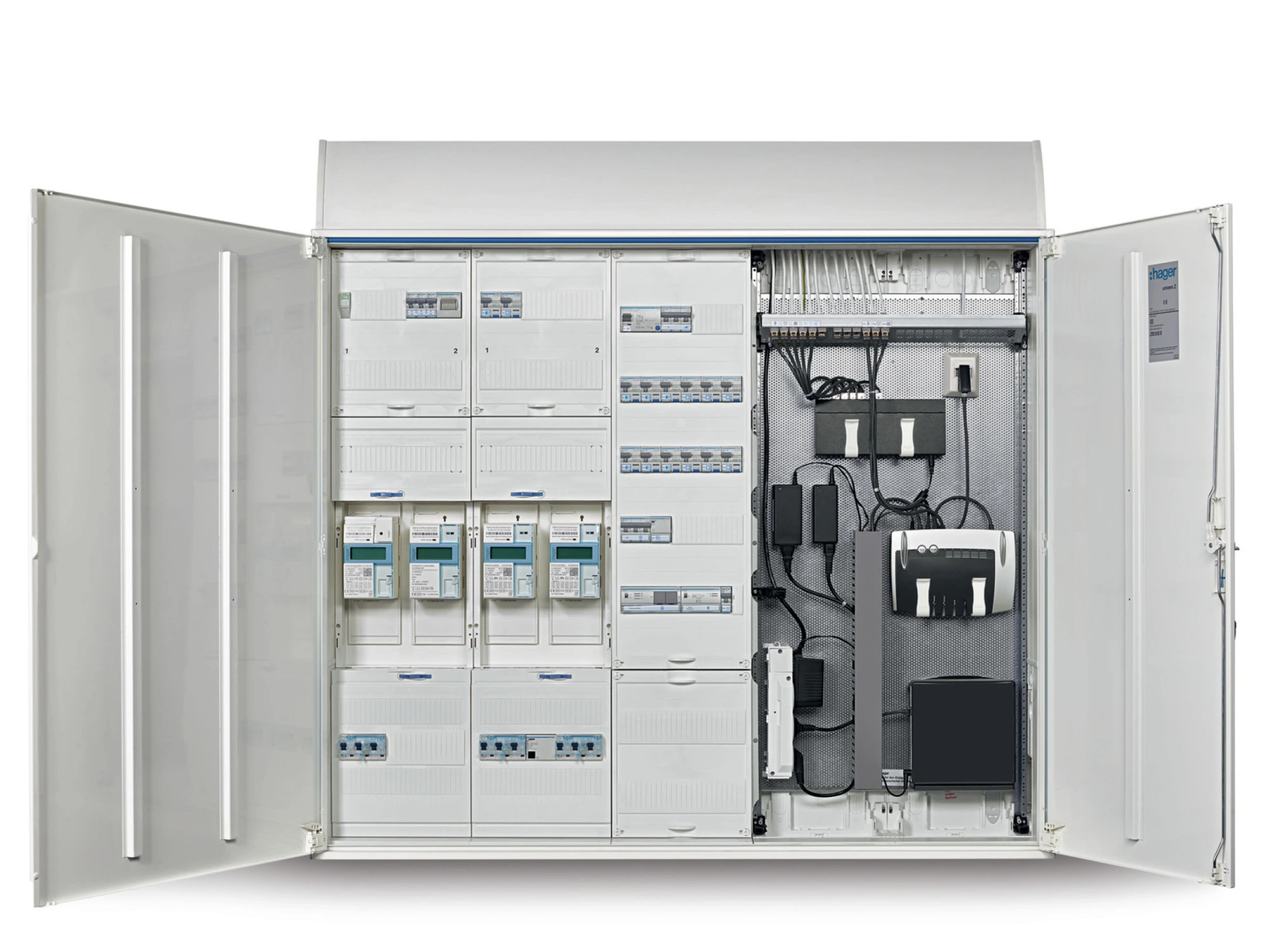
Materials and labour become part of your calculation.
The complete submission
A submission package ready for your review.
Your calculation, quote and supported forms belong together. You remain in control of submission.
No sign-up. A sample LV is ready.
Practical questions
Four questions we often hear.
Will I just get text from an AI?
You work with items, quantities, units and prices. Each item's source and cost components can be inspected.
Learn moreGAEB does not contain ready-made prices, does it?
The tender supplies the scope and quantities. KraftHub matches your articles, assemblies, supplier prices and past quotes to them.
Learn moreOur suppliers send PDF quotes.
Import PDF and UGL quotes and match their lines to BoQ items. Compare the matched quotes side by side.
Learn moreWhat if a suggestion does not fit?
Review the price and scope, change the match or choose your own calculation. The quote remains your decision.
Learn moreBeyond the quote
The calculation follows the work.
The job continues after the quote. KraftHub connects commercial data to the work in your project.
- 1
Award
The quote becomes an order.
- 2
Work orders
Assign work to staff and subcontractors.
- 3
Materials and dates
Plan quantities, hours and appointments.
- 4
Progress
Record completed work and variations.
- 5
Invoice
Bill the work and create e-invoices.
Turn the quote into work orders.
Assign work to staff and subcontractors. Quantities, materials and calculation data stay connected to the work order.
Explore project workKeep work orders, dates and tasks together.
Plan work within the project and give participants the information they need.
Explore project workFrom completed work to invoice.
Record the work performed and create invoices from it. XRechnung and ZUGFeRD are supported in the invoicing workflow.
Explore project workPricing & features
The right module for your estimating.
Basic is included in Kraft and Kraft+. Add Pro or Pro+ per estimator seat – for the users who calculate bills of quantities.
Basic
included
in Kraft and Kraft+
From a GAEB bill of quantities to a quote, using prices from your own data.
- GAEB import: X81, X83 and D83
- Item catalogue, DATANORM and past quotes
- Installation times, assemblies and markups
- Review filters and GAEB submission: X84 / D84
Pro
€199/ month
per estimator seat, excluding VAT
Everything in Basic plus AI estimating and the complete submission package.
- PDF import, including scans and images
- Supplier quotes and price enquiries
- Unlimited AI line-item estimating included
- Market prices, forms and overall costing
Pro+
€299/ month
per estimator seat, excluding VAT
Everything in Pro plus planning and coordination for project delivery.
- Split large bills of quantities into subprojects
- Automated supplier communication
- Work planning from the priced bill of quantities
Project cost control, post-calculation, variation opportunities and knowledge history are in development.
Book a demoAn addition to your Kraft plan
Pro and Pro+ require Kraft or Kraft+. Kraft starts at €99.99 per month with annual billing, for up to 5 users. An estimator seat is one user who prices bills of quantities. All prices exclude VAT.
PDF import in Pro and Pro+
100 pages per month and estimator seat included. Additional pages cost €0.20 each – only for bills of quantities in PDF format.
Compare all features
On smaller screens, swipe sideways to compare all three levels.
| Feature | Basic | Pro | Pro+ |
|---|---|---|---|
| Import & review | |||
| GAEB import X81, X83, D83 – structure, item numbers, short and long descriptions, quantities | Included | Included | Included |
| Scope per item: supply, installation or both | Included | Included | Included |
| AI PDF import – including scanned bills of quantities and images | Not included | Included | Included |
| Archive import of past GAEB quotes and orders (X84, X86) | Not included | Included | Included |
| Assign prices | |||
| Automatic matching from your item catalogue and DATANORM | Included | Included | Included |
| Semantic search in past quotes and invoices | Included | Included | Included |
| Installation times (e.g. Bürgerle) × hourly rate, correction factor per supplier | Included | Included | Included |
| Assemblies of materials and labour | Included | Included | Included |
| Markups per cost category, customer price profiles, source priority and tolerance | Included | Included | Included |
| Request prices from suppliers and subcontractors directly from the bill of quantities | Not included | Included | Included |
| Automatically match supplier quotes (UGL, PDF) to items – including surcharges, freight and alternatives | Not included | Included | Included |
| AI item estimating from similar past items – adapted using short and long descriptions, unlimited use included | Not included | Included | Included |
| Online market prices with source references | Not included | Included | Included |
| Review, quote & export | |||
| Review filters (missing installation, open, needs review) and individual or bulk confirmation | Included | Included | Included |
| GAEB plausibility checks against plans, preliminary notes and other documents | Not included | Included | Included |
| Create a quote from the bill of quantities – retain item numbers and the price source per item | Included | Included | Included |
| GAEB bid submission X84 / D84 with price components | Included | Included | Included |
| Export the priced bill of quantities as X86 / D86 and Excel | Not included | Included | Included |
| Automatically complete tender forms | Not included | Included | Included |
| Overall costing: costs and selling prices by cost category across the bill of quantities, plus LV chat | Not included | Included | Included |
| Renegotiation and lump-sum pricing | Not included | In development | In development |
| Pro+ · Delivery & cost control | |||
| Cost control and post-calculation – planned vs actual costs and profitability per project | Not included | Not included | In development |
| Identify variation opportunities – spot extra costs and deviations early | Not included | Not included | In development |
| Subprojects – split large bills of quantities into smaller projects | Not included | Not included | Included |
| Automated supplier communication – send enquiries and follow up on replies | Not included | Not included | Included |
| Work planning from the priced bill of quantities | Not included | Not included | Included |
| Knowledge history – reuse insights from past bills of quantities and projects | Not included | Not included | In development |
Try it any time
Work through a sample BoQ. No sign-up.
The electrical exercise guides you through import, pricing, supplier comparison and forms. Restart whenever you like.
- 1Choose GAEB with 500 or PDF with 50 items.
- 2Follow example prices back to their sources.
- 3Compare suppliers and prepare a demo quote.
Your example is ready
The demo uses fictional data and prepared price examples. Your own files and live AI belong to the product, not this exercise.
Want to discuss your own bill of quantities?
Book a personal demo to discuss your workflow, price sources and business requirements.
Book a demoFor larger businesses
Multiple estimators, shared price data or an existing ERP? Explore the entry point for larger businesses.
For larger businesses